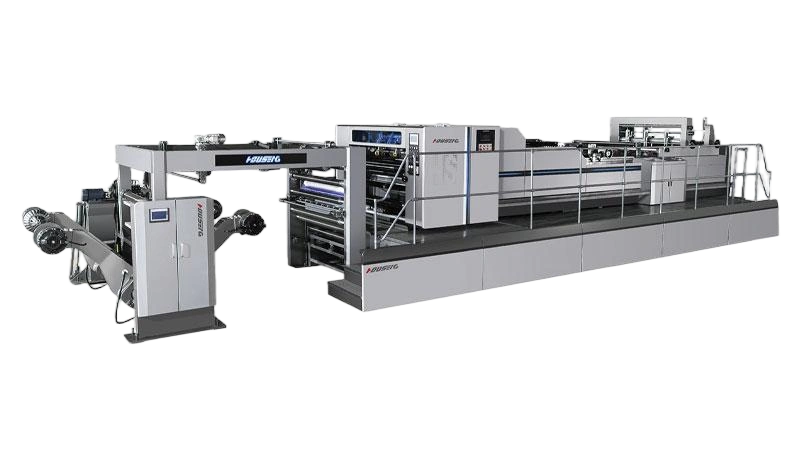
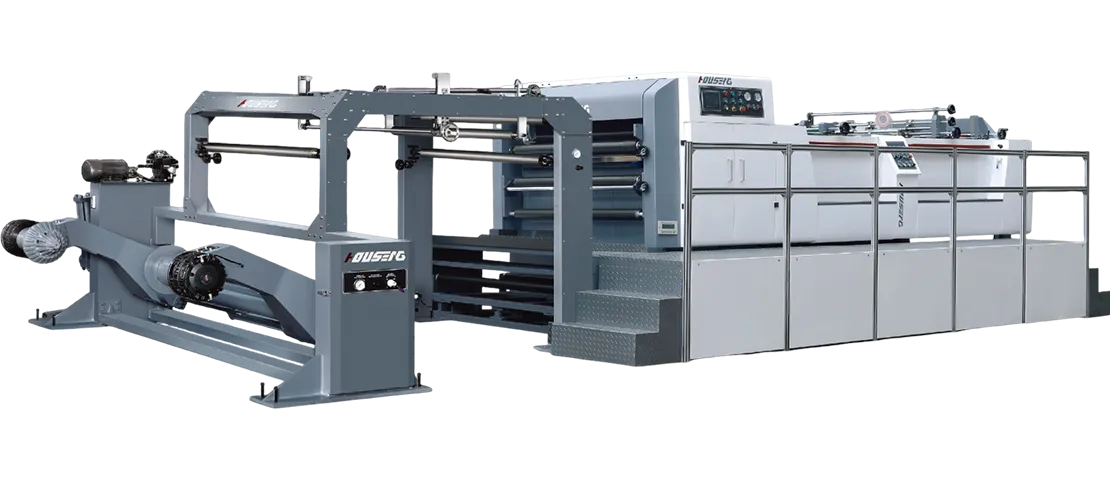
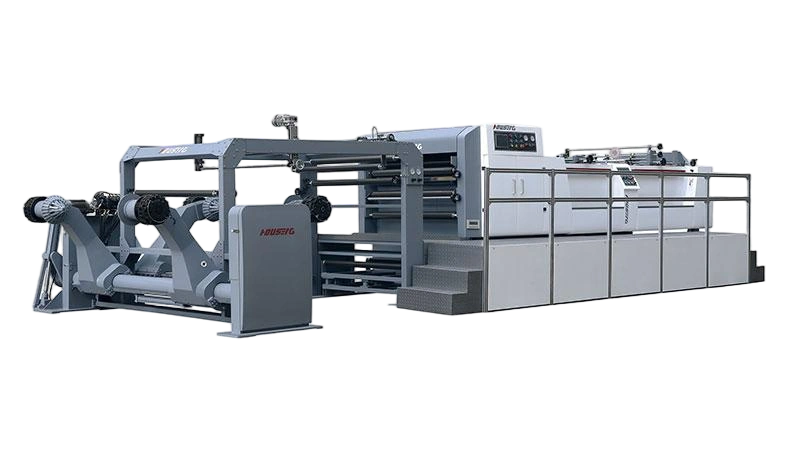
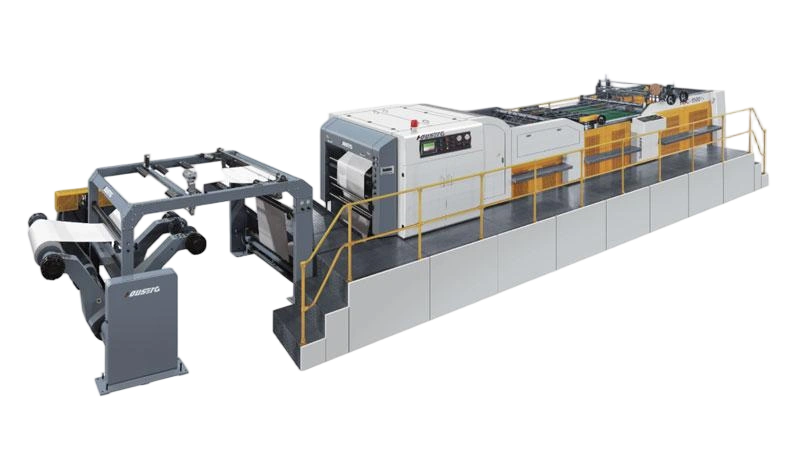
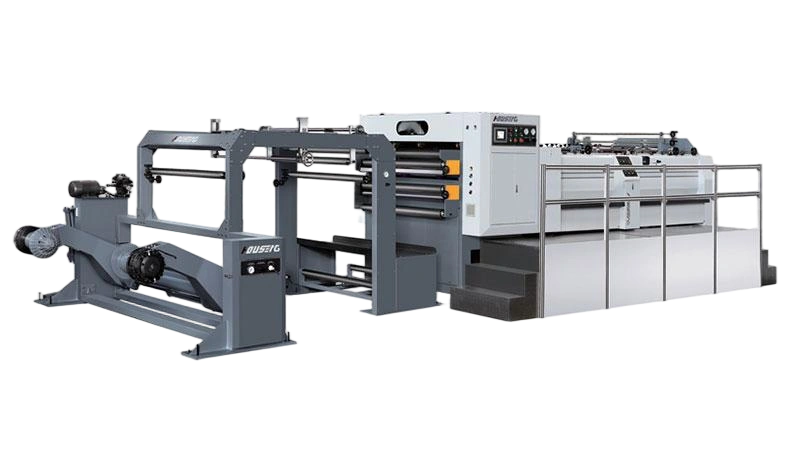
When a paper sheeting machine starts producing out-of-spec sheets, the problem is usually traceable to one of five areas: the knife system, tension control, the drive and control system, paper material inconsistencies, or mechanical wear. Most issues can be diagnosed in under 30 minutes using a systematic approach—starting with the knives, then checking tension, and finally verifying calibration.
Even the best-maintained sheeter will occasionally produce sheets that are too long, too short, cut out of square, or have ragged edges. When that happens, production stops, waste accumulates, and downstream processes—printing, folding, or packaging—are disrupted. For a paper mill, commercial printer, or packaging converter, the roll-to-sheet cutting line is a critical production step, and downtime is expensive. This guide walks through the most common paper sheeting machine problems, their likely causes, and practical steps to diagnose and resolve them.
Sheet Length Variation
Symptoms:
- Sheets are progressively getting longer or shorter over a run
- Sheet length varies randomly from sheet to sheet
- Length differs between the left and right sides of the sheet
Most Likely Causes:
| Cause | What to Check | How to Fix |
|---|---|---|
| Encoder drift or feedback loss | Check encoder mounting and connection. Verify encoder readings against a manual measurement. | Re-zero the encoder. If drift persists, replace encoder. |
| Web tension instability | Observe tension readings on the control panel. Check for roll out-of-roundness. | Adjust tension settings. Inspect dancer roller for free movement. |
| Worn feed rollers | Inspect feed roller surface for wear or glazing. Measure roller diameter at multiple points. | Replace worn rollers. Clean roller surfaces. |
| PLC parameter drift | Verify cut length settings against the actual measured sheet length. | Re-calibrate the PLC cut length parameter. |
Diagnostic Step-by-Step:
- Run 20 sheets and measure each one. Record the measurements.
- If length increases or decreases consistently, the issue is likely encoder or control system related.
- If length varies randomly, check tension control and feed roller condition first.
- If left-side and right-side lengths differ, check web guiding and knife parallelism.
Modern servo-driven sheeters use closed-loop control that adjusts feed speed in real time based on encoder feedback. When this loop is broken by a loose encoder coupling, a failing sensor, or incorrect PLC parameters, length accuracy degrades immediately.
Sheets Cut Out of Square
Symptoms:
- Sheets are not rectangular. Corners are not 90 degrees.
- Diagonal measurements differ.
- Sheets appear parallelogram-shaped.
Most Likely Causes:
| Cause | What to Check | How to Fix |
|---|---|---|
| Knife misalignment | Check knife gap at multiple points across the drum width. | Adjust knife parallelism using manufacturer's procedure. Verify with feeler gauges. |
| Web guide drift | Observe web position as it enters the cutting station. Check edge guide sensors. | Re-calibrate edge guide. Clean sensors. Check guide roller alignment. |
| Uneven web tension | Check tension readings across the web width. | Balance tension across the roll. Check for uneven roll hardness. |
| Worn bearings in knife drum | Listen for unusual noise. Check for play in the drum shaft. | Replace bearings. Verify drum alignment. |
Diagnostic Step-by-Step:
- Measure both diagonals of a sample sheet. If they differ by more than the machine's published tolerance, the sheet is out of square.
- Check if the problem is consistent across the entire run or appears intermittently.
- If consistent, suspect knife misalignment or web guide drift.
- If intermittent, suspect tension fluctuations or bearing wear.
The bed knife clearance should be checked with feeler gauges at multiple points across the full width of the drum, typically in the range of 0.02 to 0.05mm. A gap that varies across the width will produce sheets that are square on one side and skewed on the other.
Ragged Edges and Paper Fuzz
Symptoms:
- Cut edges are rough, frayed, or have loose fibers.
- Paper dust accumulates on downstream equipment.
- Coating is peeling at the cut edge.
Most Likely Causes:
| Cause | What to Check | How to Fix |
|---|---|---|
| Dull knives | Run a clean cloth along the cutting edge. If it snags, the knife has burrs or micro-chips. | Sharpen or replace knives. Log cuts between sharpenings for each paper grade. |
| Incorrect knife gap | Check gap with feeler gauges against manufacturer's specification. | Adjust gap to specification, typically 0.02–0.05mm. |
| Incorrect blade angle | Verify blade angle matches the paper type being cut. | Use recommended blade angles. 15–20 degrees for newsprint to minimize fiber damage. |
| Excessive cutting pressure | Check hydraulic or mechanical pressure settings. | Reduce pressure incrementally until edge quality improves. |
| Paper moisture too low | Check paper moisture content. | Adjust environmental humidity, 45–55% recommended for most grades. |
Diagnostic Step-by-Step:
- Examine the cut edge under good lighting. Dull knives produce a compressed, crushed appearance. Incorrect gap produces tearing or pulling of fibers.
- If the problem appears suddenly, suspect knife damage, such as a nick or chip in the blade.
- If the problem appears gradually, suspect normal knife wear. Track cuts between sharpenings to establish a replacement schedule.
- For coated papers, rough edges may indicate coating peel. Reduce cutting pressure and verify knife sharpness.
A sharp knife edge reflects a consistent thin line under strong light. Dull sections appear as wider, irregular reflections. This simple visual check takes seconds and can prevent hours of troubleshooting.
Feeding Problems and Jams
Symptoms:
- Paper does not feed smoothly into the cutting section.
- Sheets overlap incorrectly.
- Paper jams occur frequently.
- Multiple sheets feed at once.
Most Likely Causes:
| Cause | What to Check | How to Fix |
|---|---|---|
| Incorrect feeder settings | Check feeder separation mechanism settings. | Adjust feeder settings for the paper grade being run. |
| Worn or dirty feed rollers | Inspect roller surface for wear, glazing, or debris. | Clean rollers. Replace if worn. |
| Static electricity | Check for static buildup. Observe paper sticking to rollers. | Install or check anti-static devices. Adjust humidity. |
| Paper curl | Check decurler settings. | Adjust decurler unit to remove curl before the cutting station. |
| Incorrect nip pressure | Check pressure roller settings. | Adjust nip pressure for paper weight and thickness. |
Diagnostic Step-by-Step:
- Observe the paper as it enters the feeder. Is it feeding straight and consistently?
- Check if the problem occurs with all paper grades or only specific ones. If only specific grades, the issue is likely material-related.
- If the problem occurs across all grades, suspect mechanical issues such as worn rollers, incorrect settings, or static.
For heavy papers of 150 gsm and above, optimized pressure rollers enhance feeding friction and prevent slipping. For lightweight papers, excessive nip pressure can cause deformation or multiple-sheet feeding.
Unusual Noise or Vibration
Symptoms:
- Knocking or grinding sounds during operation.
- Excessive vibration felt on the machine frame.
- Noise that changes with speed.
Most Likely Causes:
| Cause | What to Check | How to Fix |
|---|---|---|
| Worn bearings | Listen for grinding or rumbling. Check for play in shafts. | Replace bearings. Inspect shafts for damage. |
| Knife impact | Check if knives are contacting each other or the bed knife incorrectly. | Re-set knife gap. Check for knife damage. |
| Loose components | Check all fasteners on the knife drum, feed rollers, and drive system. | Tighten all fasteners to specification. |
| Unbalanced knife drum | Check for uneven wear or damage on the knife drum. | Balance or replace drum. Inspect for foreign material. |
Diagnostic Step-by-Step:
- Identify where the noise is coming from: knife section, drive section, or feed section.
- Run the machine at different speeds. If noise increases with speed, suspect bearing wear or unbalance.
- Stop the machine and manually rotate components to feel for roughness or play.
- Check for loose guards or covers that may be vibrating.
Lubrication failures rarely announce themselves. A bearing runs dry, heats up, and eventually seizes. Regular lubrication checks, including verifying that grease is reaching all bearing points, are essential for preventing noise-related failures.
Quick Troubleshooting Reference Table
| Symptom | Most Likely Cause | Secondary Cause | First Action |
|---|---|---|---|
| Sheets progressively longer or shorter | Encoder drift or tension variation | Worn feed rollers | Check encoder and tension settings |
| Sheets cut out of square | Knife misalignment | Web guide drift | Check knife parallelism |
| Ragged edges | Dull knives | Incorrect knife gap | Inspect and sharpen knives |
| Variable length sheet to sheet | Tension instability | Bearing wear | Check tension control system |
| Frequent jams | Incorrect feeder settings | Worn rollers | Adjust feeder for paper grade |
| Unusual noise | Worn bearings | Loose components | Locate noise source. Check bearings. |
When to Call for Professional Support
While many sheeter problems can be diagnosed and resolved in-house, some situations require professional assistance:
- Electrical or control system faults such as servo drive failures, PLC errors, or sensor malfunctions.
- Major mechanical repairs including bearing replacements, shaft repairs, or knife drum re-alignment.
- Persistent problems that return after attempted fixes.
- Safety concerns involving electrical hazards or moving parts.
HOUSENG provides remote video guidance and troubleshooting assistance for machine malfunctions. A fully stocked spare parts inventory and a 1-year warranty are also available to minimize downtime. For operations requiring on-site support, the engineering team can provide installation and assistance services.
If you are experiencing persistent sheeter problems and need technical support, review the available service options or contact the service team directly.
Frequently Asked Questions
Why is my paper sheeting machine cutting sheets at different lengths?
The most common causes are encoder drift, tension instability, or worn feed rollers. Start by checking the encoder connection and readings, then verify tension settings, and finally inspect feed roller condition. A systematic check usually identifies the source within 15 to 20 minutes.
How do I fix sheets that are cut out of square?
Check knife alignment first. The gap between the helical knife and bed knife should be consistent across the full drum width. If knife alignment is correct, check web guide alignment and tension balance across the roll.
What causes ragged edges on cut paper?
Ragged edges are almost always caused by dull knives or incorrect knife gap. Inspect the knife edge with a clean cloth. If it snags, the knife needs sharpening. Verify the gap against the manufacturer's specification using feeler gauges.
How often should sheeter knives be sharpened?
There is no universal rule. It depends on paper type, grammage, and production volume. For mid-weight coated papers, 8 to 12 million cuts between sharpenings is typical. Abrasive recycled grades or heavy board may require intervals half that long. Keep a log to establish a pattern for your specific operation.
Why does my sheeter jam frequently?
Frequent jams usually point to incorrect feeder settings, worn or dirty feed rollers, or static electricity. Check feeder separation settings first, then inspect and clean rollers, and verify that anti-static devices are functioning.
Can I troubleshoot sheeter problems myself, or do I need a technician?
Many mechanical and setup issues, including knife adjustment, gap setting, and tension calibration, can be handled by trained operators using the machine's manual. Electrical and control system faults typically require a technician. If in doubt, consult the manufacturer's service team.
Conclusion
A paper sheeting machine that suddenly starts producing bad sheets is not a crisis. It is a diagnostic opportunity. By following a systematic approach, starting with the knives, then checking tension and web guiding, and finally verifying control system calibration, most problems can be identified and resolved without external support.
Key takeaways for operators and maintenance teams:
- Start with the knives. Dull or misaligned knives are the cause of more than half of all sheeter problems.
- Check tension before touching the control system. Tension instability mimics control system faults.
- Keep a log. Recording cuts between sharpenings, calibration dates, and problem patterns helps predict issues before they cause downtime.
- Know when to call for help. Electrical faults and major mechanical repairs are best left to professionals.
For operations requiring technical support or spare parts, reviewing the available service and support options can help minimize downtime. If you are evaluating a new sheeter to replace an aging or problematic machine, comparing the available machine configurations may also be a worthwhile step.
This article provides general guidance on paper sheeting machine troubleshooting. Actual diagnosis and repair should be performed in accordance with the machine manufacturer's manual and safety guidelines. For specific issues, consult the equipment supplier.