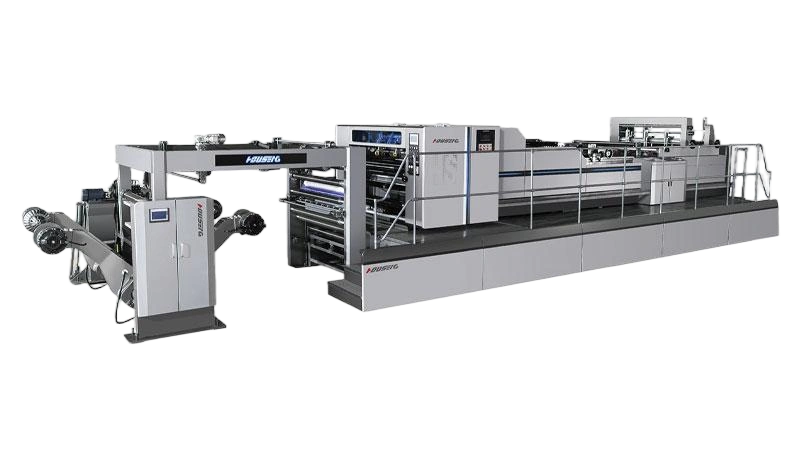
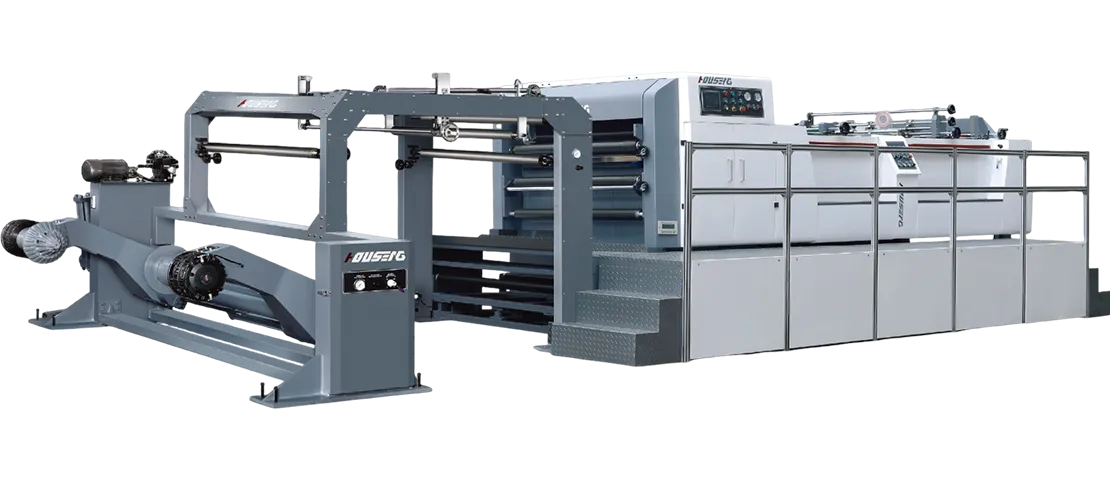
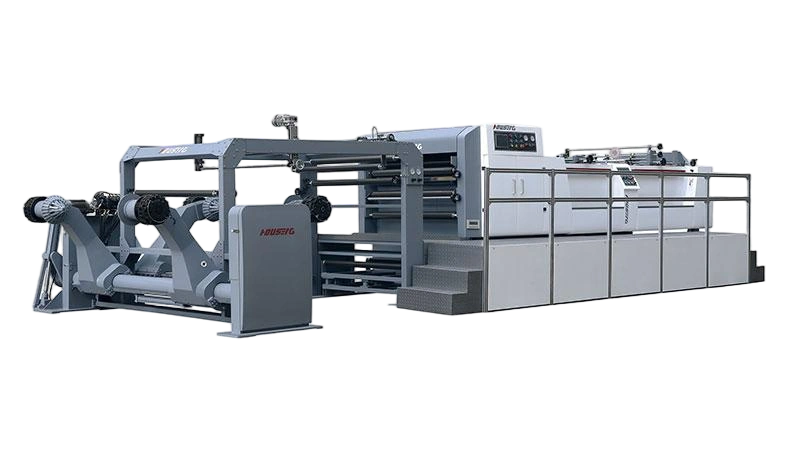
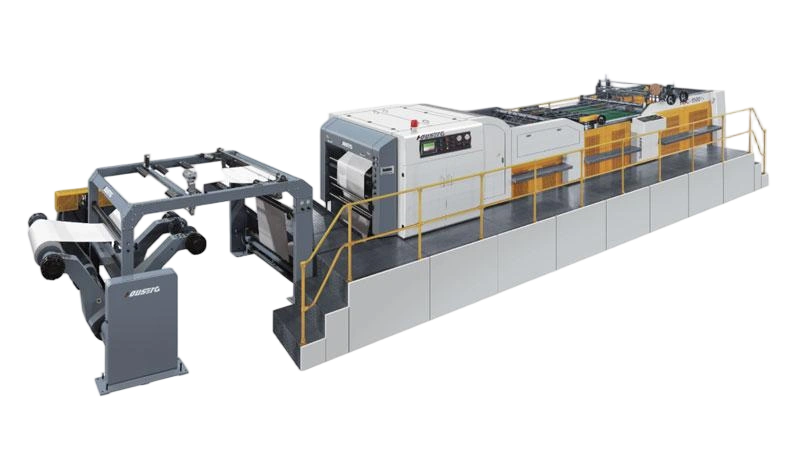
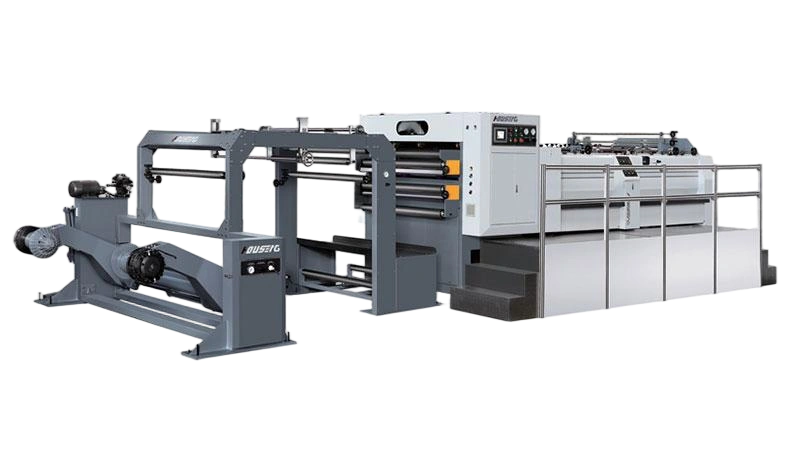
Dear friends, have you ever encountered the problem that the paper cutter blade is not sharp and the cutting is inaccurate? Don’t worry, today I will teach you how to easily adjust the upper and lower blades of the paper cutter to make your paper cutting work more convenient!
First we need to briefly understand the basic structure of the paper cutter. The paper cutter is mainly composed of an upper knife, a lower knife, a transmission system and a control system. Among them, the adjustment of the upper knife and lower knife directly affects the accuracy and effect of cutting.
Next we get to the point - how to adjust the upper and lower knives of the paper cutter.
1. Preparation work
Before adjusting, make sure the paper cutter is turned off and disconnected from the power supply to ensure safety. Also prepare the required tools, such as screwdrivers, wrenches, etc.
2. Adjust the knife
Open the upper knife protective cover of the paper cutter and find the upper knife adjustment screw.
Use a screwdriver to gently rotate the adjusting screw to move the upper knife in the vertical direction. Be careful to be gentle when adjusting to avoid deforming the blade due to excessive force.
After the adjustment is completed, gently push the blade with your hand to check whether it slides smoothly and is not stuck.
3. Adjust the knife
Locate the paper cutter's lower blade adjustment, usually located on the bottom or side of the machine.
Use a wrench or special tool to adjust the height of the knife according to actual needs. Make sure the distance between the upper and lower blades is just right, neither too tight nor too loose.
After the adjustment is completed, use paper for actual testing to observe whether the cutting effect meets the requirements.
4. Things to note
During the adjustment process, be sure to keep the blade clean to avoid paper scraps, dust and other debris from affecting the cutting effect. After adjustment, be sure to check whether all components are tight to prevent loosening or falling off during operation.
If you are not familiar with the structure or adjustment method of the paper cutter, it is recommended to seek professional help to avoid unnecessary damage or safety accidents.
Through the above simple steps, you can easily adjust the upper and lower knives of the paper cutter. Once you master this technique, I believe you will be more comfortable and efficient in your future paper cutting work. At the same time, please remember to perform regular maintenance and upkeep on the paper cutter to extend the service life of the paper cutter.